How a strategy works
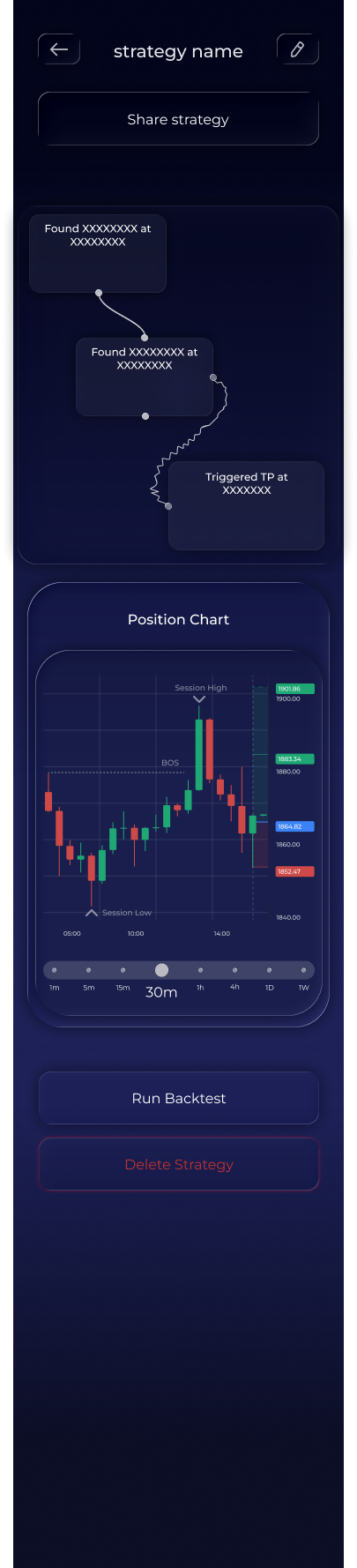
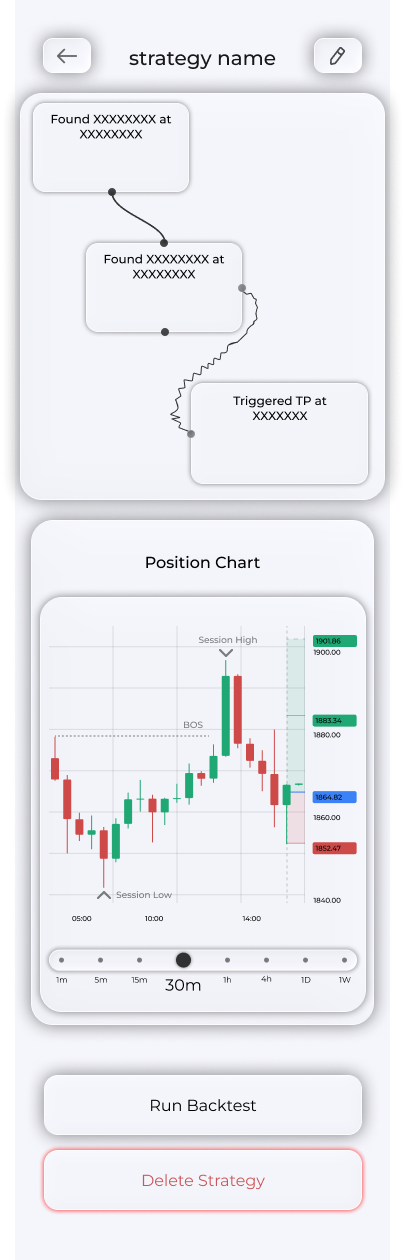
The strategy activity screen shows what your strategy sees in the market right now. It is the best place to understand where it sees opportunities or why it is not generating a signal.
Screen contents
Open Bots → My Strategies and tap a strategy. The screen contains a block pipeline and a chart.
- The block pipeline shows each block's status, helping you identify exactly where the strategy is waiting.
- The chart shows the strategy's view of the current market, explaining the block pipeline visually.