Whiteboard
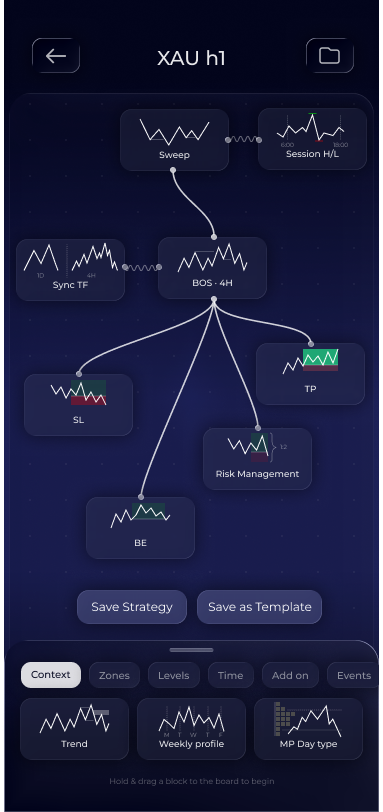
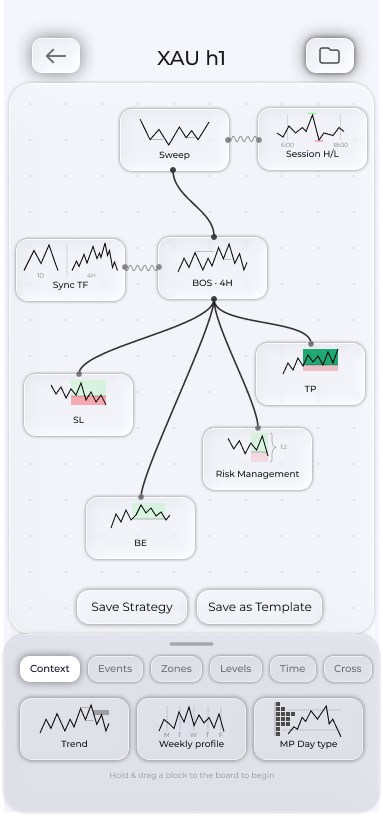
The Whiteboard is the canvas where you create a strategy by arranging blocks, configuring them and connecting them. This interface lets you create an unlimited variety of strategies with different approaches.
Main functions
- Pinch to zoom and use your fingers to move the canvas.
- Hold and drag a block from the bottom palette onto the canvas.
- Tap a block to open its settings.
- Long-press to remove a block from the whiteboard.
- Drag from a block's edges to draw a wire or chain.
- Tap a wire to open its settings.

Saving and validation
Save Strategy at the bottom of the Whiteboard checks the layout before saving. If something is missing, validation names the specific block and tells you what to connect or configure. Fix it and save again.
Save Template beside it saves the current layout as a draft.
The folder in the top right opens ready-made templates and saved drafts.
Tip. Save working layouts as drafts before major changes so you can easily return to a successful version.