Bots
A bot watches the market using your strategy's rules and sends recommendations for selected pairs. It does not trade—it only follows the strategy's instructions.
Creating a bot
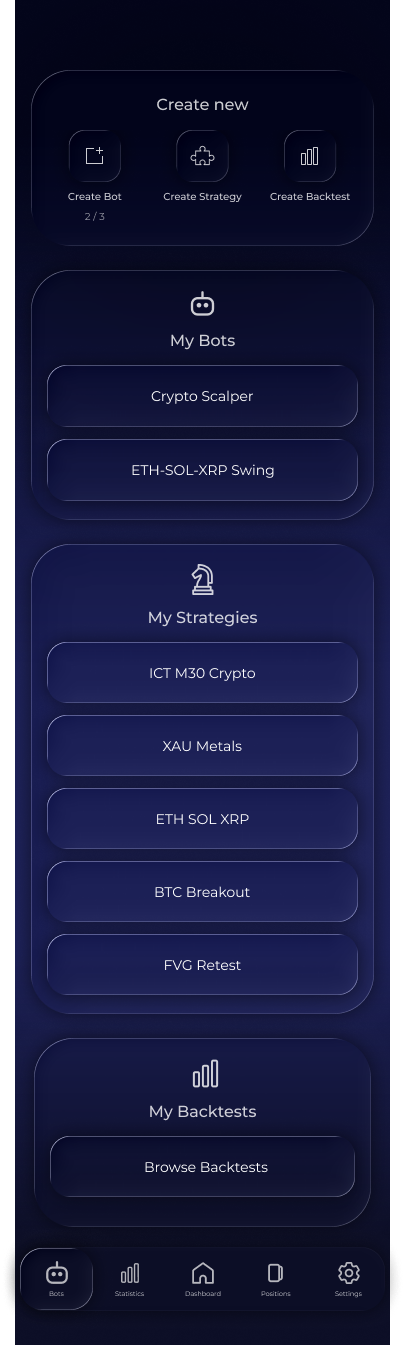
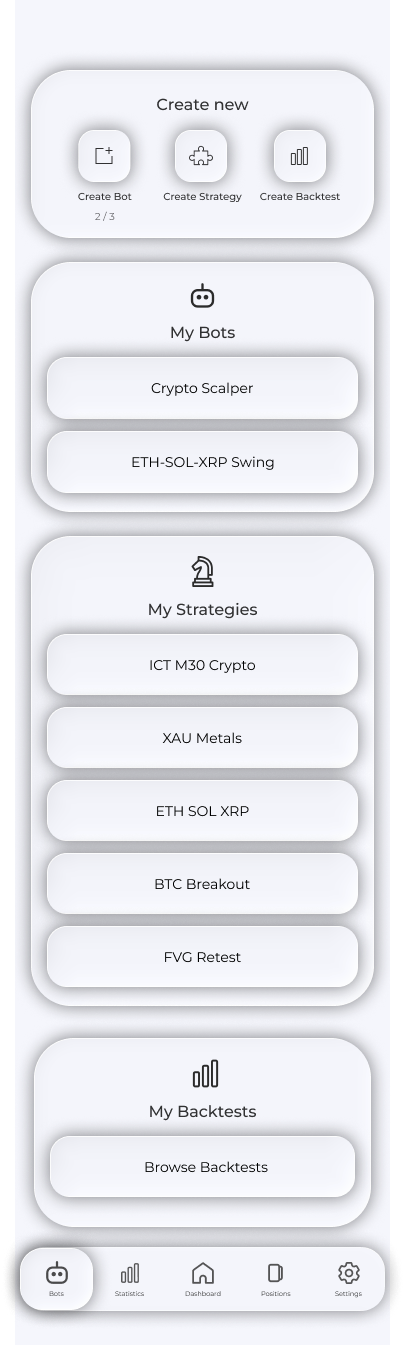
Open Bots → Create New → Create Bot, then complete the form:
- Bot name and market;
- One strategy from the constructor;
- Trading pairs;
- Deposit: a virtual balance used to calculate risk and volume;
- Risk per position;
- Maker and Taker trading fees;
- Skip Duplicate Longs/Shorts to skip repeated entries in the same direction;
- Signal Buffer and the cooldown after a recommendation at the bottom of the form.
At Confirm Settings, review the name, market, strategy and deposit. Confirm creates the bot; Edit returns to the completed form.
Tip. A bot's deposit is not real money; it is the basis for volume calculations. Set the amount you would actually trade with so recommendation volumes make sense.


Viewing and editing
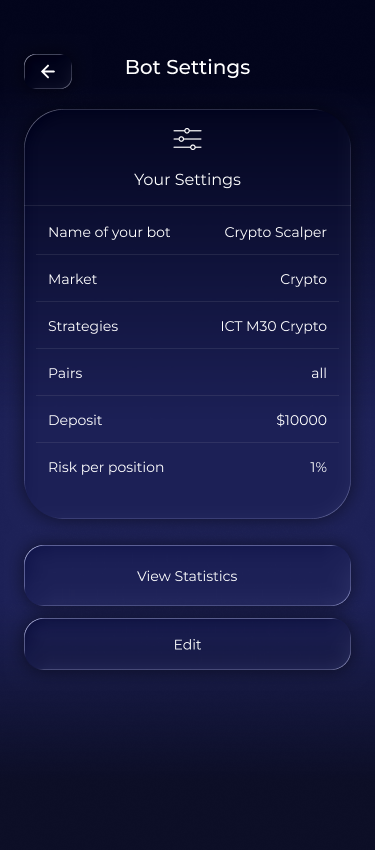
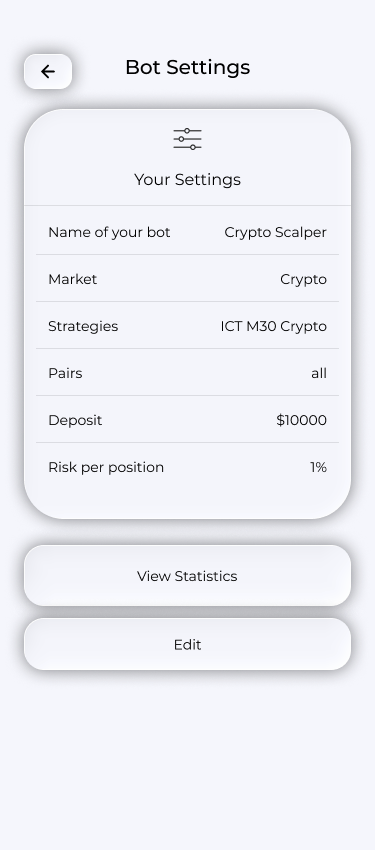
In My Bots, tap a bot's name to view its settings: strategy, pairs, deposit, risk, fees and buffer. Edit Settings opens the editable form. Changes are saved and the bot continues with the new settings.
1. In My Bots, tap the bot’s name.
2. Review the settings and tap Edit Settings.

3. Update the fields and tap Save.


Deleting
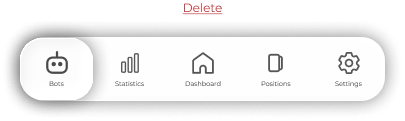
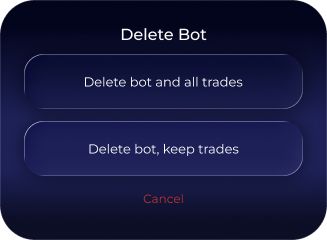
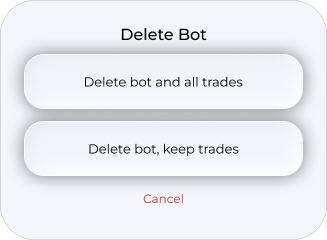
Use Delete Bot at the bottom of settings. The app asks whether to keep the bot's trades in history and statistics or delete them with the bot.
1. Tap Delete Bot at the bottom of settings.
2. Choose whether to keep the trades in history or delete them with the bot. Cancel cancels deletion.
How a bot generates recommendations
The bot mirrors its strategy's recommendations on the selected pairs. When the strategy finds an entry, you receive a push notification and an item in Recommended. Volume and risk are calculated from this bot's deposit and risk percentage. Duplicate skipping and the signal buffer prevent a succession of identical entries.
Frequently asked questions
How many bots can I create?
It depends on your plan. The counter is on the Create Bot tile, and the limits are listed in Plans.
Can several bots use one strategy?
Yes—for example, with different pairs, deposits or risk levels.
What is Signal Buffer?
A protective pause between the bot's signals so similar entries do not arrive one after another. Configure it in the bot form.