Voxum AI
Voxum AI is the assistant inside the app. It explains blocks and screens, reviews your trades and discusses strategies and backtest results.
Where to find it
1. Open widget settings on Dashboard and tap Add Widget.
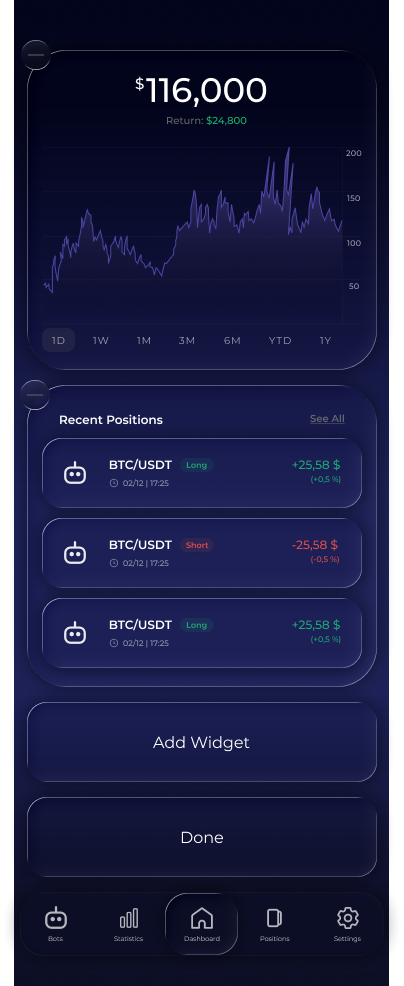
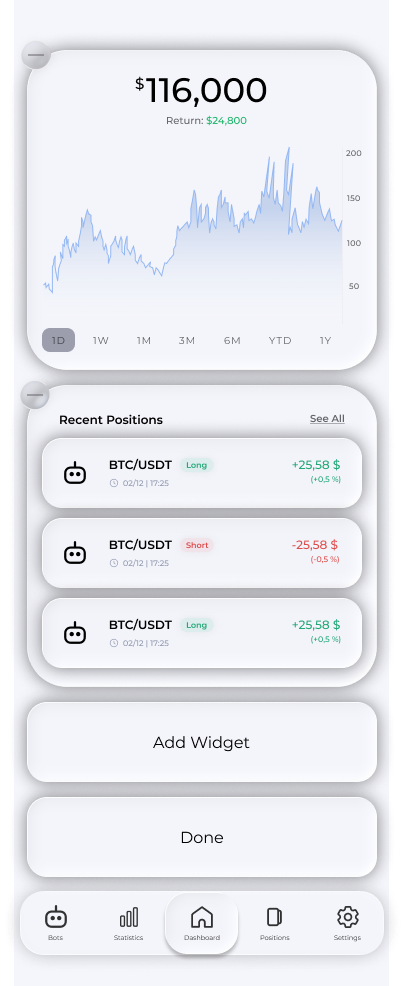


2. Choose Ask Voxum AI from the widget list.
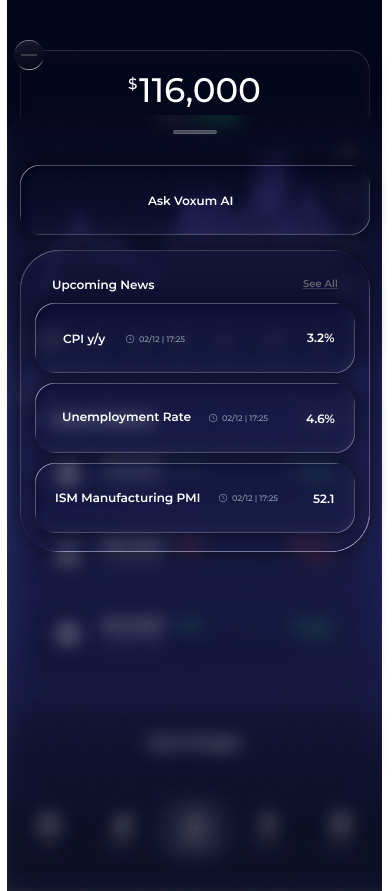
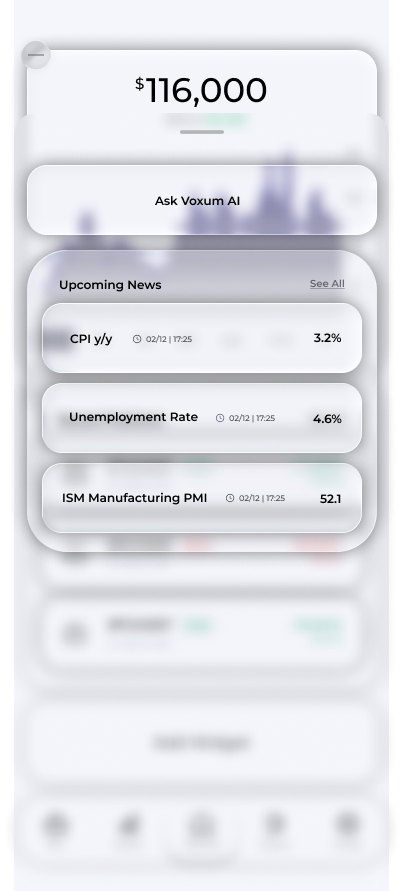
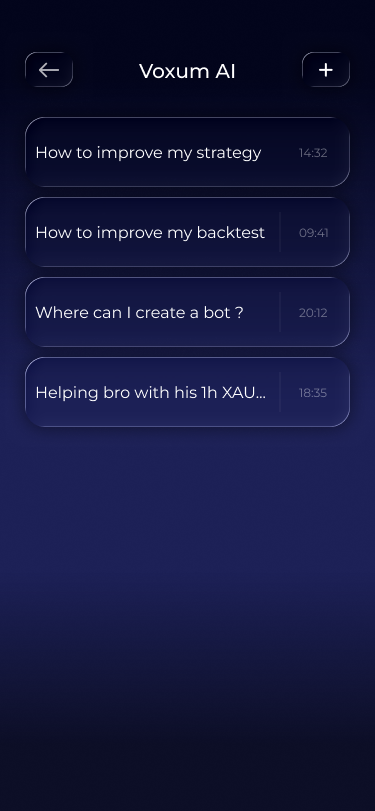
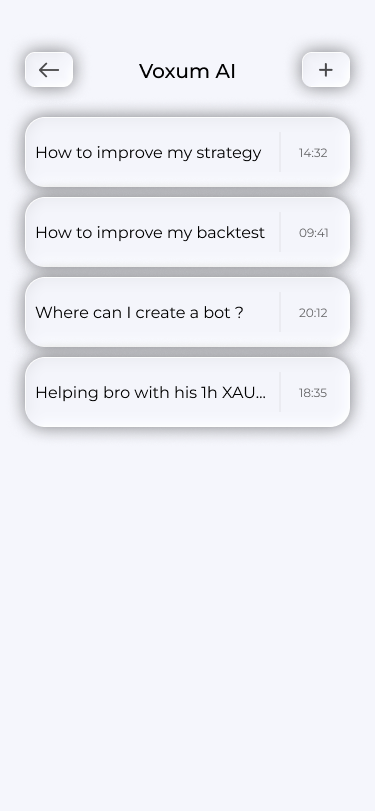
3. Open the added Voxum AI widget to see your conversations. The plus in the top right starts a new one.
Creating a chat
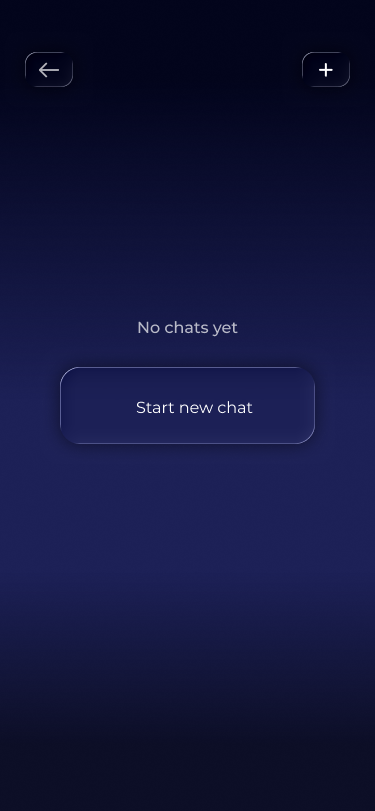
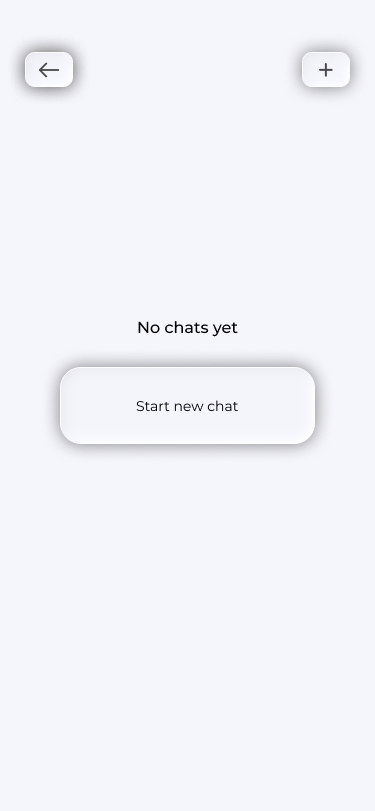
1. If you have no conversations yet, tap Start New Chat.
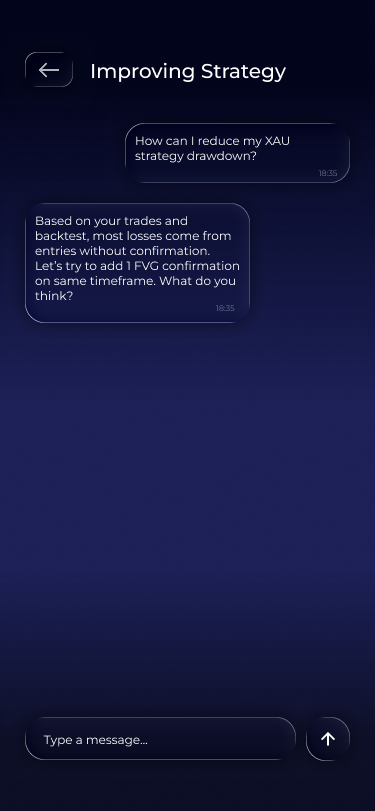
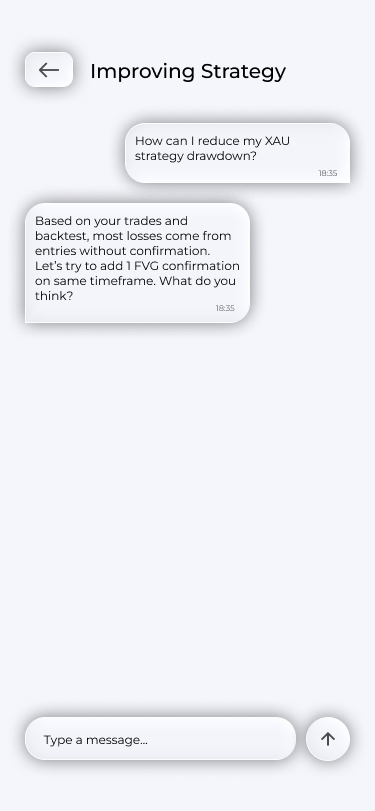
2. Choose a topic and write your question. Below is an example of a strategy conversation.
When you create a chat, you can choose from three topics:
Support: questions about the app and trading concepts: what a block does, where to find a screen and how something works. Answers arrive in a couple of seconds.
Strategy Advisor: a review of your strategy, including blocks, settings, connections, backtest results and suggested improvements. It takes longer to think and displays the answer as it is generated.
Backtest Analysis: a review of a specific backtest run: metrics, trades, what went wrong and where the strategy loses.
If the advisor suggests strategy changes, they arrive as a card with Copy New Strategy. The modified layout is copied to your account; the original is unchanged.
Ask AI on trades
Ask AI opens a conversation with the selected trade's context. It is available in recommendations, open positions, backtest trades and closed trades in statistics. The assistant explains entry conditions and how the situation developed, and for a closed trade, the reasons for the outcome. Here is where to find the button on two screens:
1. In recommendation details, scroll to the analysis and tap Ask AI About This Trade.


2. In open-position details, scroll to the analysis and tap Ask AI About This Trade.


Tip: If a word, block or screen is unfamiliar, ask in a Support conversation. It is quicker than searching through articles.
Important note
The assistant's answers are not financial advice. The model can make mistakes, and confident wording is no guarantee. The choice always remains yours.
Frequently asked questions
Which conversations does my plan include?
Support is available to everyone. Other conversation types and trade reviews depend on your plan—see Plans.
Can the assistant see my trades?
The assistant works with your account data: the strategies, backtests and trades you ask about. Conversations are stored in your account, and you can delete any of them.
Which language can I write in?
You can write in any of the languages available in the app.