Strategy constructor
The constructor is Voxum's main tool. Here you build your own trading strategy from ready-made blocks on the Whiteboard—a free canvas where blocks are connected by wires.
Creating your first strategy
1. Open Bots → Create Strategy.
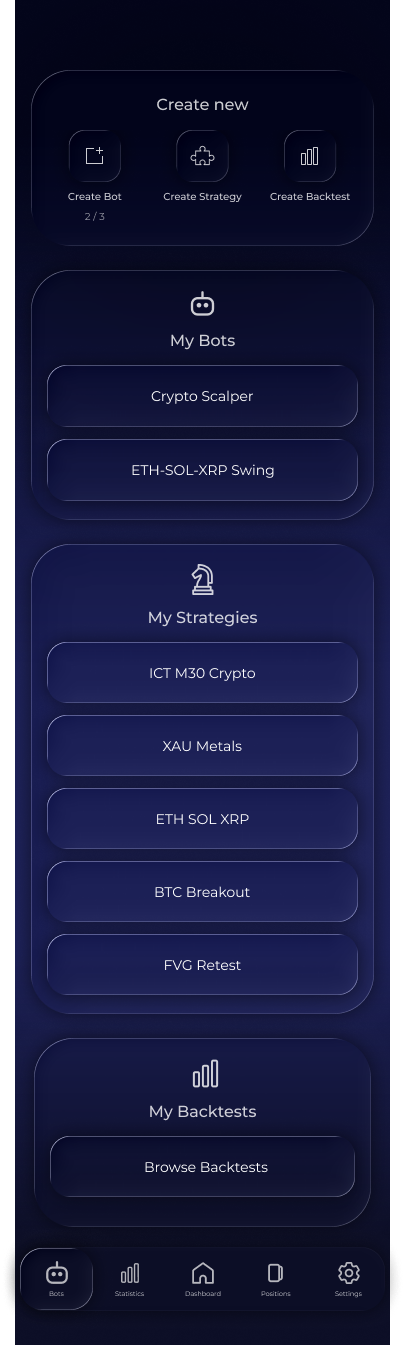
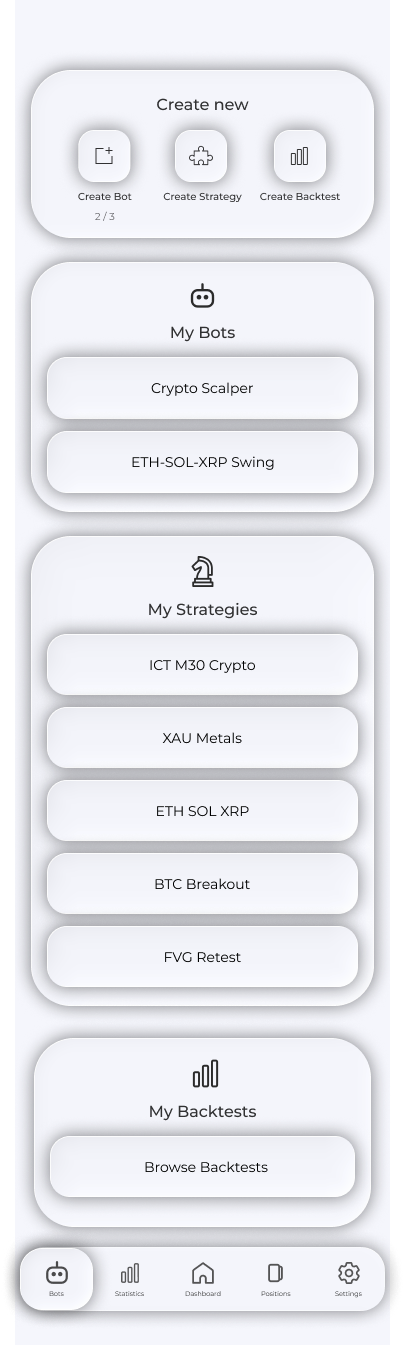
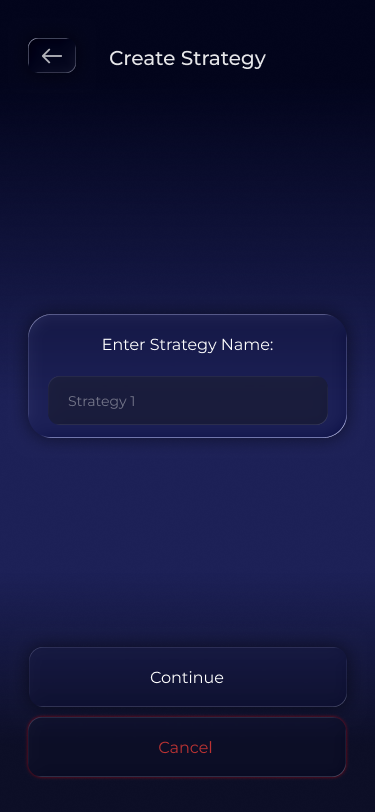
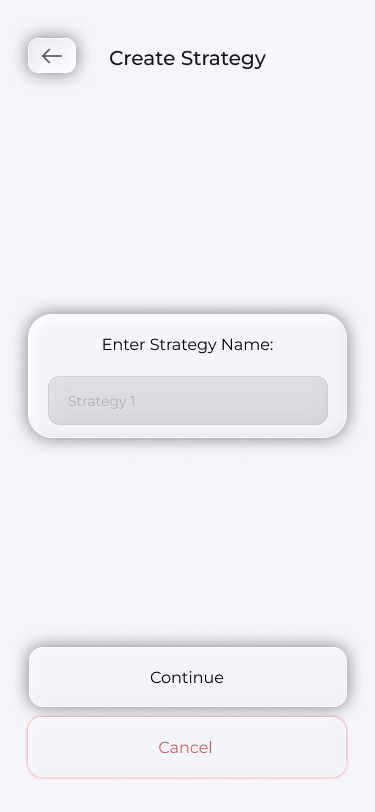
2. Enter a strategy name and tap Continue to open an empty Whiteboard.
3. Drag blocks from the bottom panel onto the canvas.
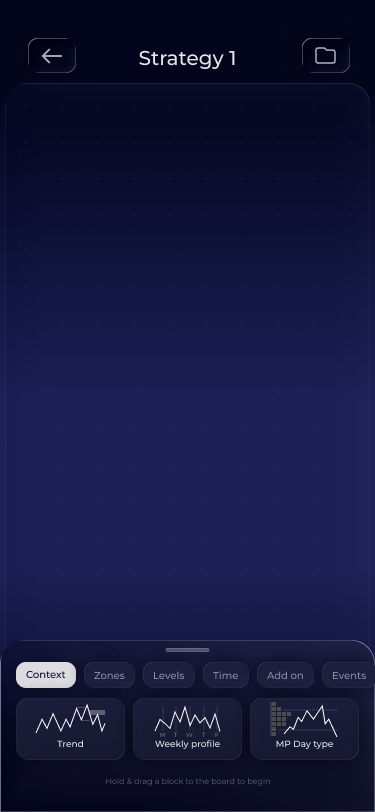
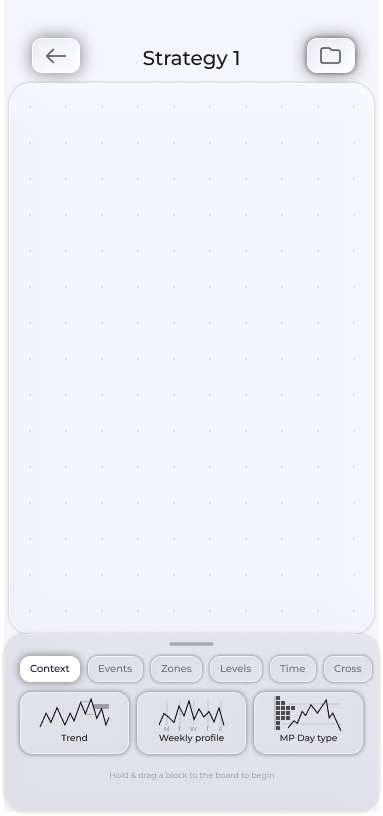
4. Connect blocks with wires and/or a chain. Some blocks are already connected.
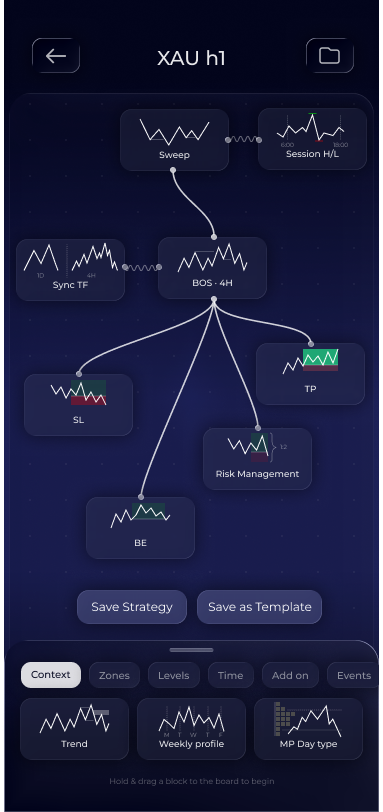
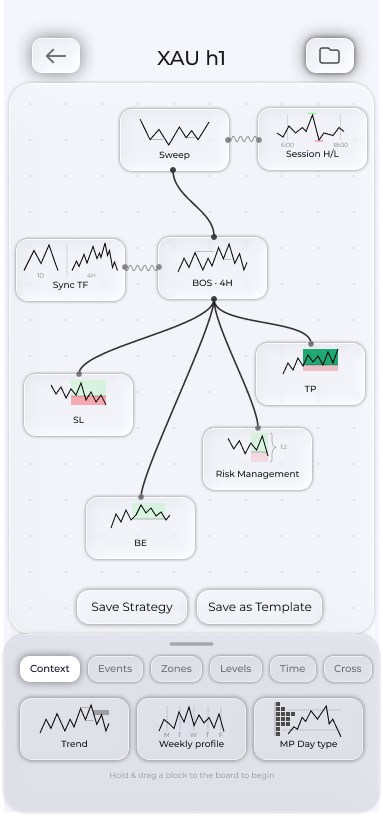
5. Tap each block to configure it.
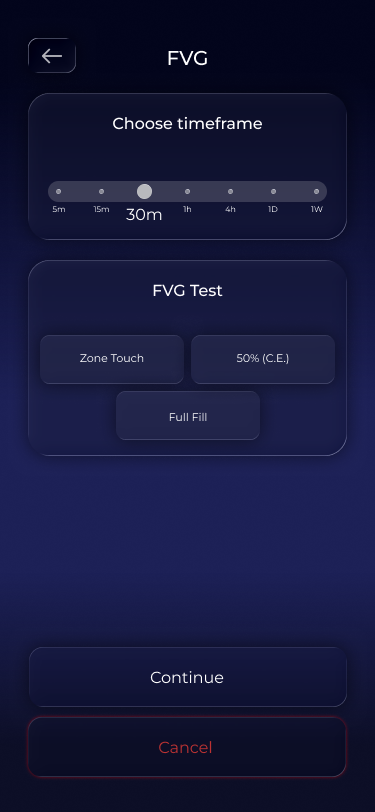
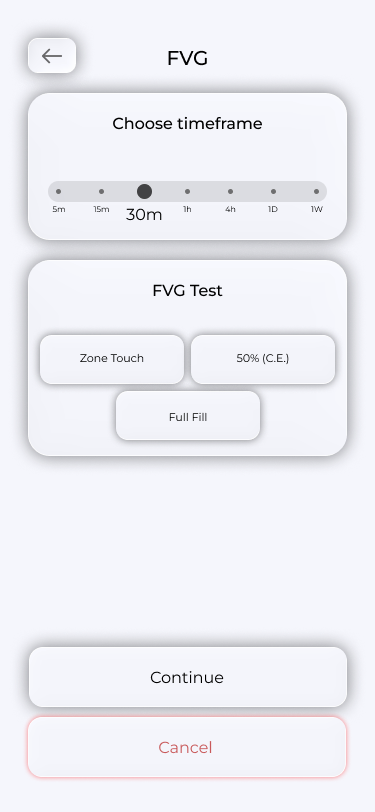
6. Tap Save Strategy. The app checks the layout and saves the strategy.
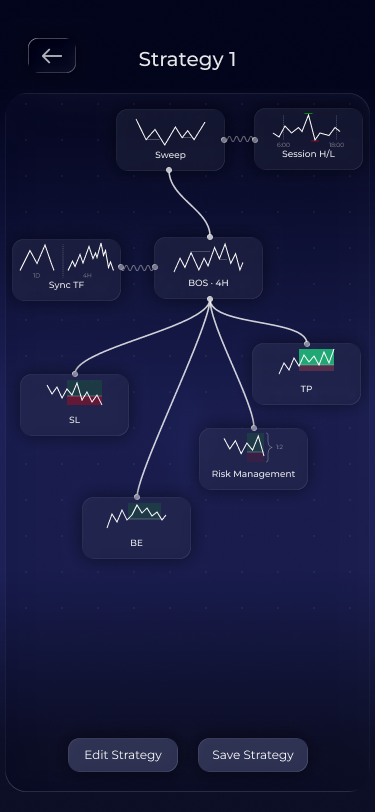
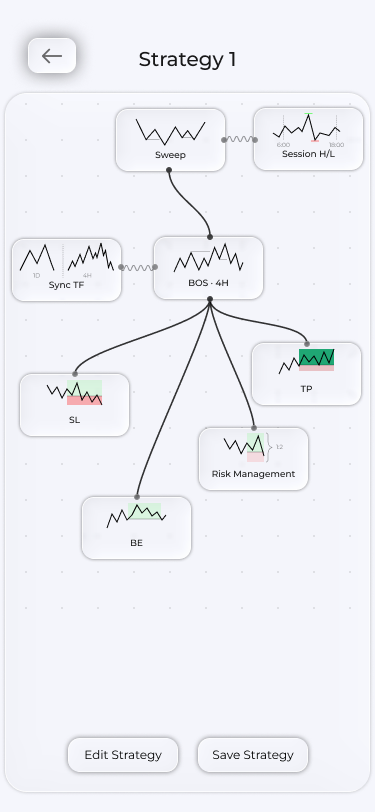
Attach the completed strategy to a bot to start receiving recommendations. Better still, run a backtest first to check how it performs over time.
Tip: Do not build your first strategy from scratch. Open templates using the folder in the top right of the Whiteboard, choose one and explore how it works.
Frequently asked questions
Can I change a strategy after saving it?
Yes. Open Bots → My Strategies and select the strategy to open its analysis screen. Tap the pencil in the top right to edit it.
Why are some blocks locked?
The available blocks depend on your plan. The lock opens the subscription screen, which shows the plan that unlocks the block. All blocks are available from Pro. See Plans for details.