Account and settings
Settings is the far-right tab. It is where you configure the app and manage your account.
Settings
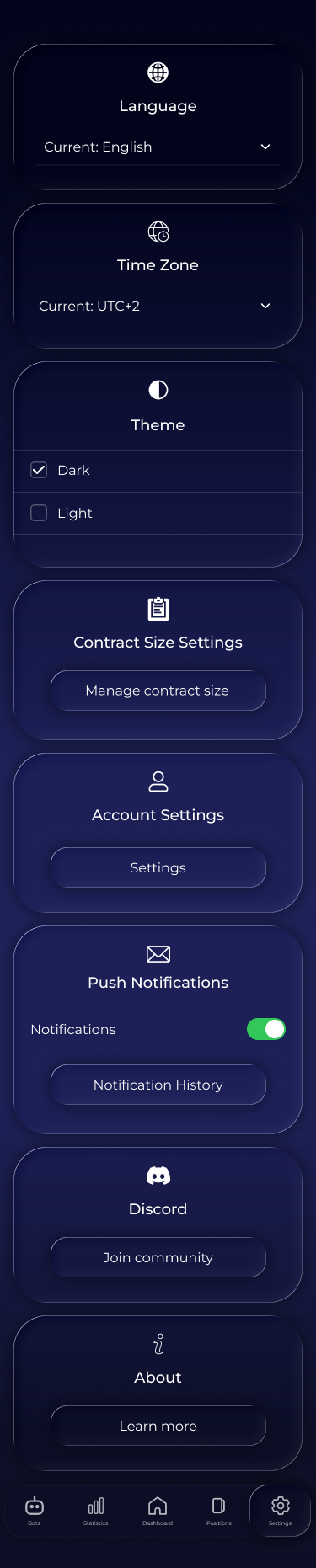
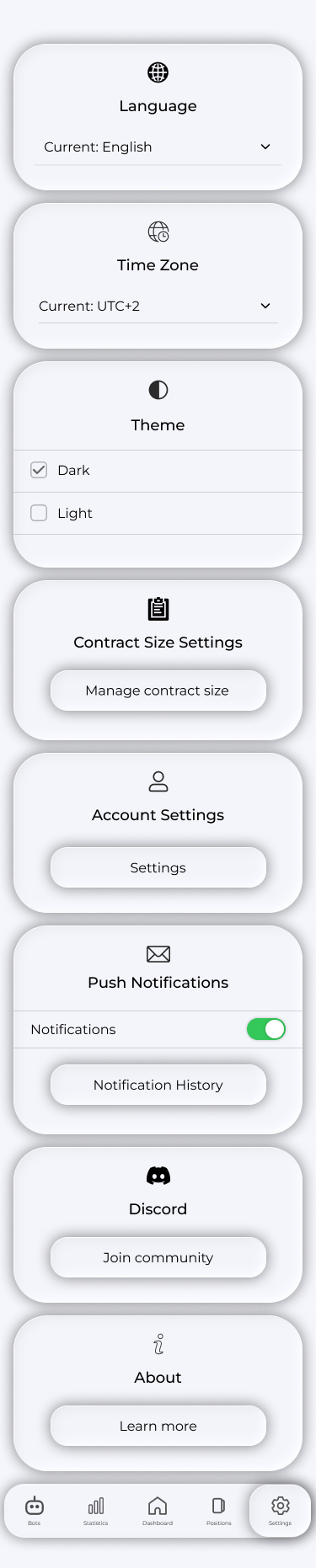
The settings screen contains:
- Language — interface language;
- Time Zone — the time zone used for constructor time windows;
- Theme — dark or light appearance;
- Push Notifications — recommendations and position events;
- Subscription — Manage Subscription opens the plans screen;
- Contract Sizes — units per lot for each symbol. These convert volume into lots in positions and statistics, and can be edited;
- Notification History — all past push notifications in one list;
- Community links and Log out.
Account
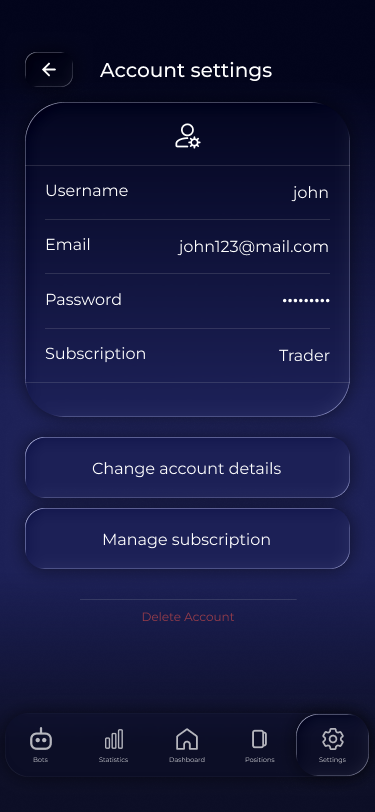
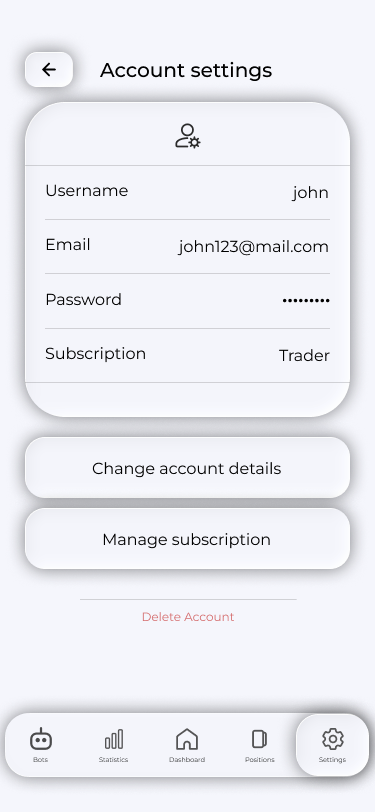
Account Settings opens your account screen: email, current plan and account code.
Changing details. Change Account Details opens a short form. A confirmation code arrives by email, with confirmation through the email link. After submission the app shows a waiting screen: check your inbox.
Deleting your account. Delete Account requests confirmation by email. Deletion is irreversible: history, strategies and statistics cannot be restored afterwards. An App Store or Google Play subscription is not cancelled automatically—cancel it separately in the store.
Frequently asked questions
What changes when I change my time zone?
Interface times and Timings windows in the constructor use the new zone. They are stored in UTC, so strategy logic does not change.
Why are contract sizes needed?
To convert position volume into lots the same way your broker does. If your broker uses a different contract size, edit the symbol's value.
I am not receiving push notifications. What should I do?
Check that notifications are enabled for Voxum in both app and phone settings. Notification History contains past notifications.