Backtest
A backtest checks how your strategy performs over time. It takes real market history and tests how the strategy reacts to past situations under the same conditions as the live market. You can see the results before trusting it with real decisions.
Running a backtest
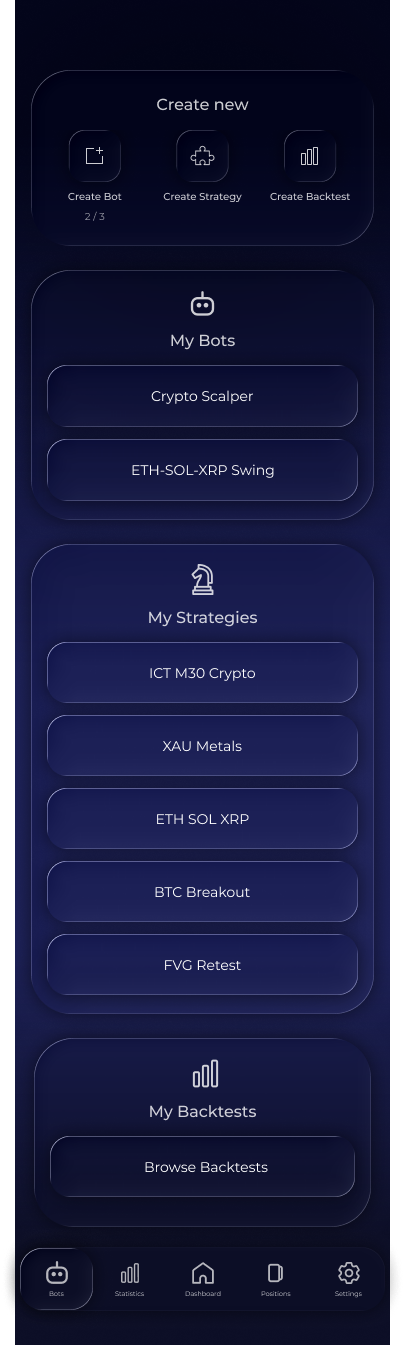
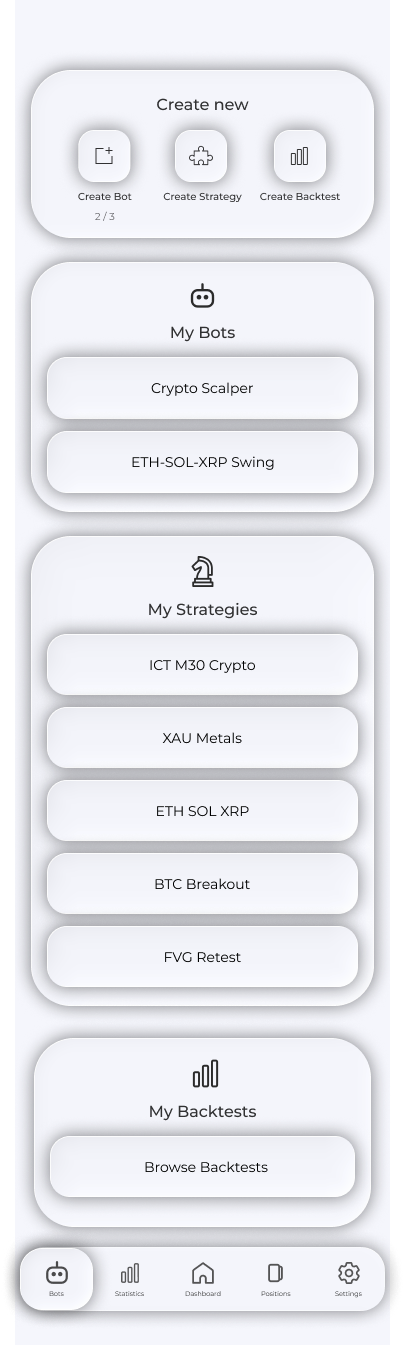
1. Open Bots and tap Create Backtest.
2. Enter a backtest name.


3. Choose a strategy using Select Strategy.
4. Choose pairs using Select Pairs.
5. Choose a period using Select Date Range. The period is bounded by available candle history.
6. Enter a deposit. Optionally enable Maker and Taker fees, duplicate-position skipping and a cooldown between positions.
7. Tap Run Backtest. The run enters the queue, and progress appears on the results screen.
The number of pairs and strategies per backtest, history depth and daily run allowance depend on your plan. See Plans.
Results
Find your tests under Bots → My Backtests → Browse Backtests. Tap a test to open its results:
- Deposit curve and charts;
- Net and gross PnL, win rate and profit factor;
- Sharpe, Sortino, Calmar, Recovery and Expectancy;
- Maximum drawdown and winning/losing streaks;
- Outcome counts: trades closed at TP, SL, B/E and partial B/E;
- Separate metrics for each asset.
Results-screen buttons: Copy Strategy copies the strategy version used in this test to your account; Edit Params recalculates fees; Relaunch starts the test again.


Closed trades
1. Closed Positions opens all trades in the test, grouped by month, week or day. Each row shows the pair, direction, closing reason and PnL.
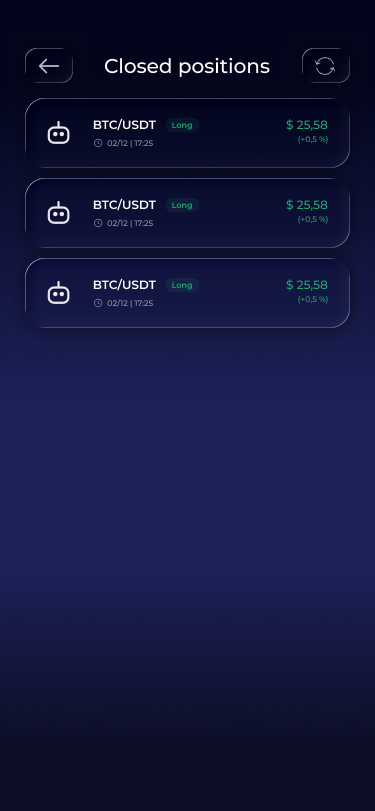
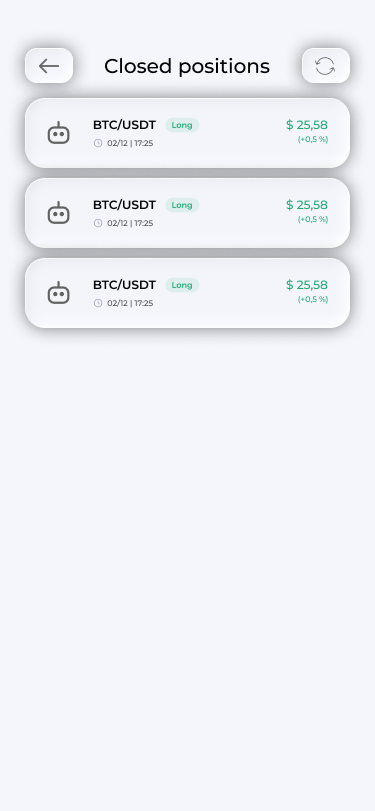
2. Tap a trade to see full statistics: the surrounding chart, entry, exit, SL, TPs, RR, closing reason and a plain-language entry explanation—which strategy conditions aligned. Ask AI About This Trade opens a conversation about it.


Important: Do not stop at headline figures. Review the run's losing trades: they often show which rule to add or remove.
Frequently asked questions
Why was the period shortened?
It is limited by your plan's history depth and the available candle history for the pair. If you request more, the period is shortened automatically.
Why does a backtest not guarantee the same live results?
A backtest is a historical simulation. Markets change, and past results do not guarantee future performance. Use backtests to filter weak strategies, not as a promise of profit.
How do I delete a test?
Long-press a test row in Browse Backtests to reveal deletion.
Can I take a strategy from an old test?
Yes. Copy Strategy on the results screen copies the exact layout version used in that run.